



Ninety percent of IPTV buffering complaints come down to one number: bandwidth. Here is exactly how much internet speed IPTV needs in 2026 — and why your provider’s “50 Mbps” sometimes feels like 5.
The Actual Requirements
| Quality | Per Stream | Recommended Line |
|---|---|---|
| SD channels | 5 Mbps | 15 Mbps |
| HD (720p/1080p) | 8–12 Mbps | 25 Mbps |
| Full HD sports | 12–15 Mbps | 40 Mbps |
| 4K / UHD | 25–40 Mbps | 75+ Mbps |
The “recommended” column adds headroom, because your internet never carries IPTV alone — phones, laptops and cloud backups eat the same pipe.
Doing the Household Math
Multiply your simultaneous streams. A family running two HD IPTV streams, a 4K stream on the big TV, and general browsing needs roughly 100 Mbps. Below 50 Mbps, limit simultaneous streams to two and standardise on HD, not 4K. Our multi-device guide explains how connection limits work on the provider side.
Why Your Speed Test Lies
Speed tests measure a burst to a nearby server. IPTV pulls a continuous stream across borders at peak evening hours. The numbers that actually matter:
- Sustained throughput at 8–10 PM local — run your test then, not at noon.
- Latency and jitter — above 50 ms with big swings, streams stutter even at high Mbps.
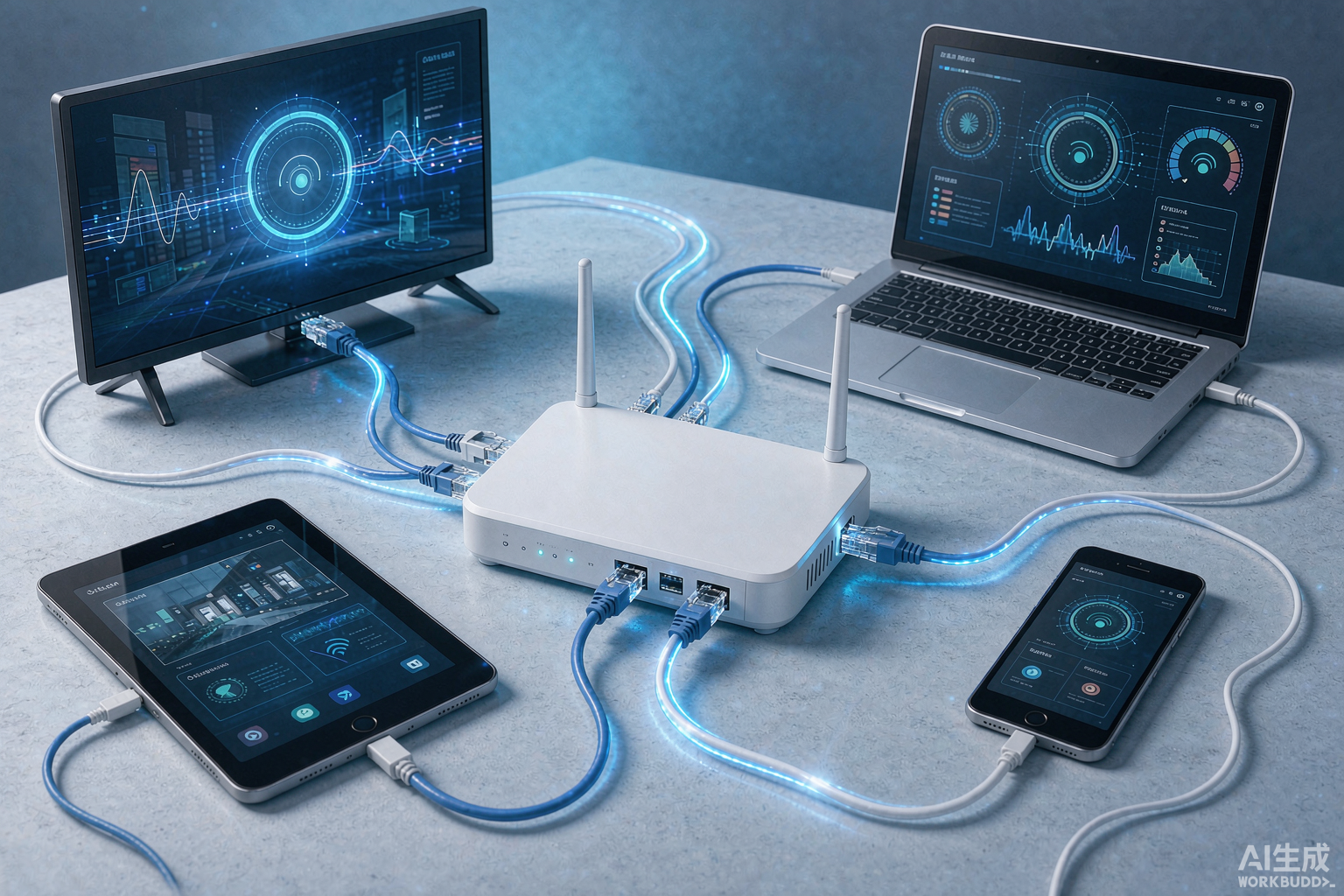
- Wi-Fi vs wired — a wired connection to your main TV eliminates the most common drop source.
Fixing Slow Streams Without Upgrading Your Plan
- Use ethernet for the main TV; keep 5 GHz Wi-Fi for mobile devices.
- Restart your router before blaming the provider — old caches cause huge slowdowns.
- Close background downloads and cloud sync during big matches.
- If one specific provider buffers while others don’t, it’s their servers — run the checks in our buffering fix guide.
Bottom Line
For smooth HD on one or two devices, 40 Mbps is comfortable. For whole-home 4K, aim for 150+ Mbps. Match your plan to your viewing habits, wire up the big screen, and buffering becomes a provider problem you can actually diagnose — instead of a nightly mystery.