


Roku is one of the best-selling streaming platforms in the US — and one of the most awkward for IPTV users. Roku’s store policy removes IPTV player apps aggressively, so the honest answer is: not directly, but yes with a workaround. Here are the three that actually work in 2026.
Why Roku Is Different
Android TV and Firestick allow side-loading; Roku’s closed OS does not. Roku actively removes apps that list live channels, so the App Store route is a dead end. That leaves casting, mirroring, or pairing Roku with another box.
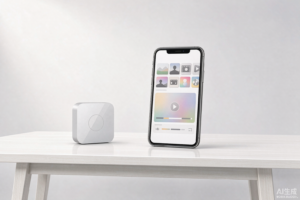
Workaround 1: Screen Mirroring (Easiest, Free)
- Enable screen mirroring on your Roku: Settings → System → Screen mirroring.
- On an Android phone, install your IPTV player (Smarters Pro, TiviMate or XCIPTV — see the player comparison).
- Log in with your subscription and cast the phone screen to the Roku.
Pros: free, 10-minute setup. Cons: phone must stay on with the screen awake, and quality depends on Wi-Fi.
Workaround 2: Cast from a Computer
Play your subscription in a browser-based or desktop player (VLC with your M3U playlist works well) and mirror the Chrome browser tab via the Roku channel. Best for occasional viewing, less elegant for daily use.
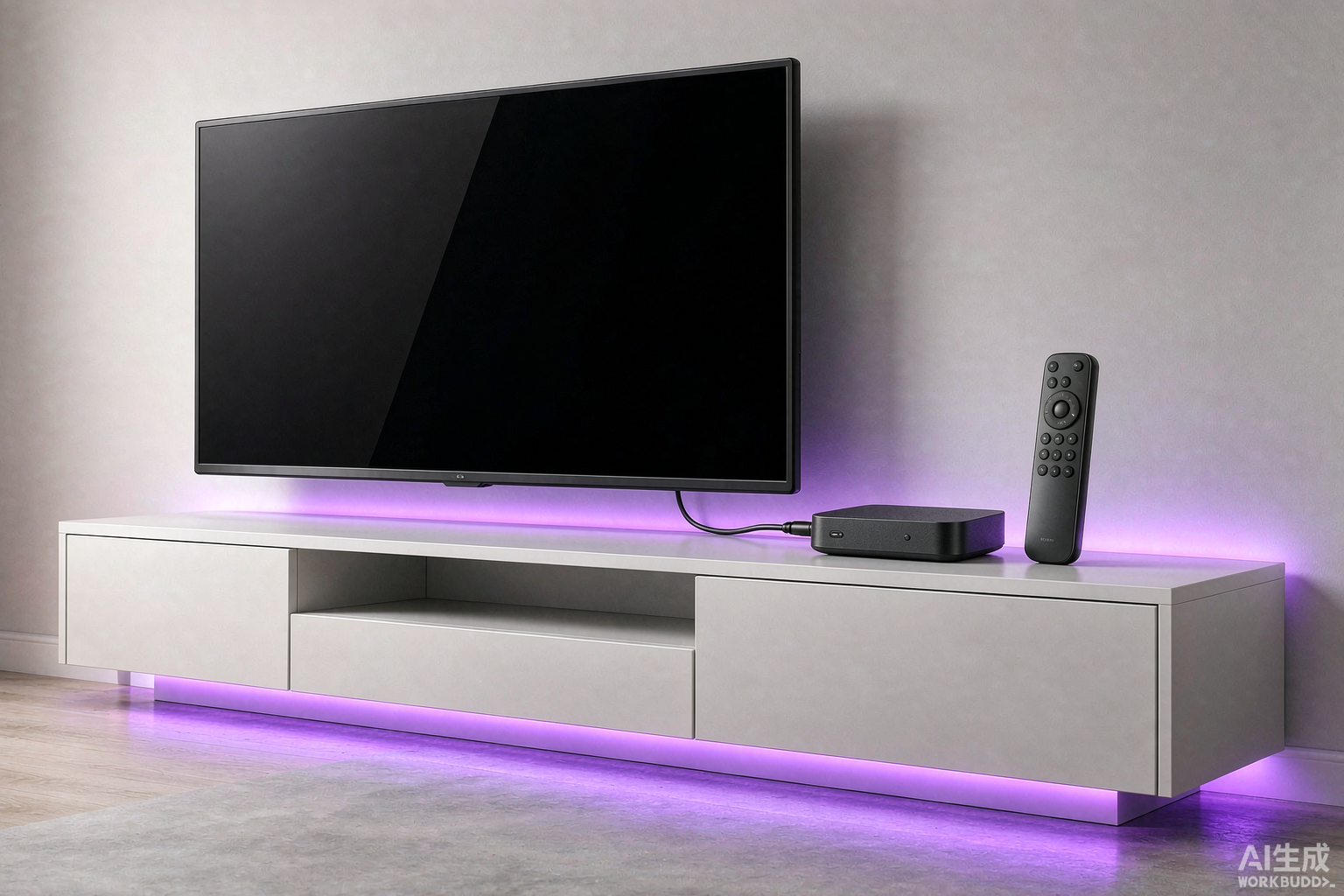
Workaround 3: Put a Small Box in Front of the Roku
The pragmatic long-term fix: a $30 Firestick or Android TV box on the TV’s second HDMI port. You keep Roku for Netflix and Disney+, and the stick handles IPTV natively with full EPG, VOD and recording support (see our Firestick guide). This is what most experienced IPTV viewers with Roku TVs end up doing.
Which Should You Choose?
| Situation | Best Option |
|---|---|
| Occasional viewing, phone nearby | Screen mirroring |
| Has a laptop | Browser mirroring |
| Daily IPTV household | Add a Firestick / Android box |
Before You Commit to Anything
Whichever route you take, test it during a free trial on your own hardware — mirroring quality varies hugely between routers. And check the bandwidth requirements first: casting doubles the load on your Wi-Fi.
Bottom Line
Roku won’t run IPTV players natively, but mirroring gets you watching tonight, and a cheap streaming stick solves it permanently. If you haven’t bought hardware yet, choose a Firestick or Google TV over a Roku box for an IPTV-first household.