



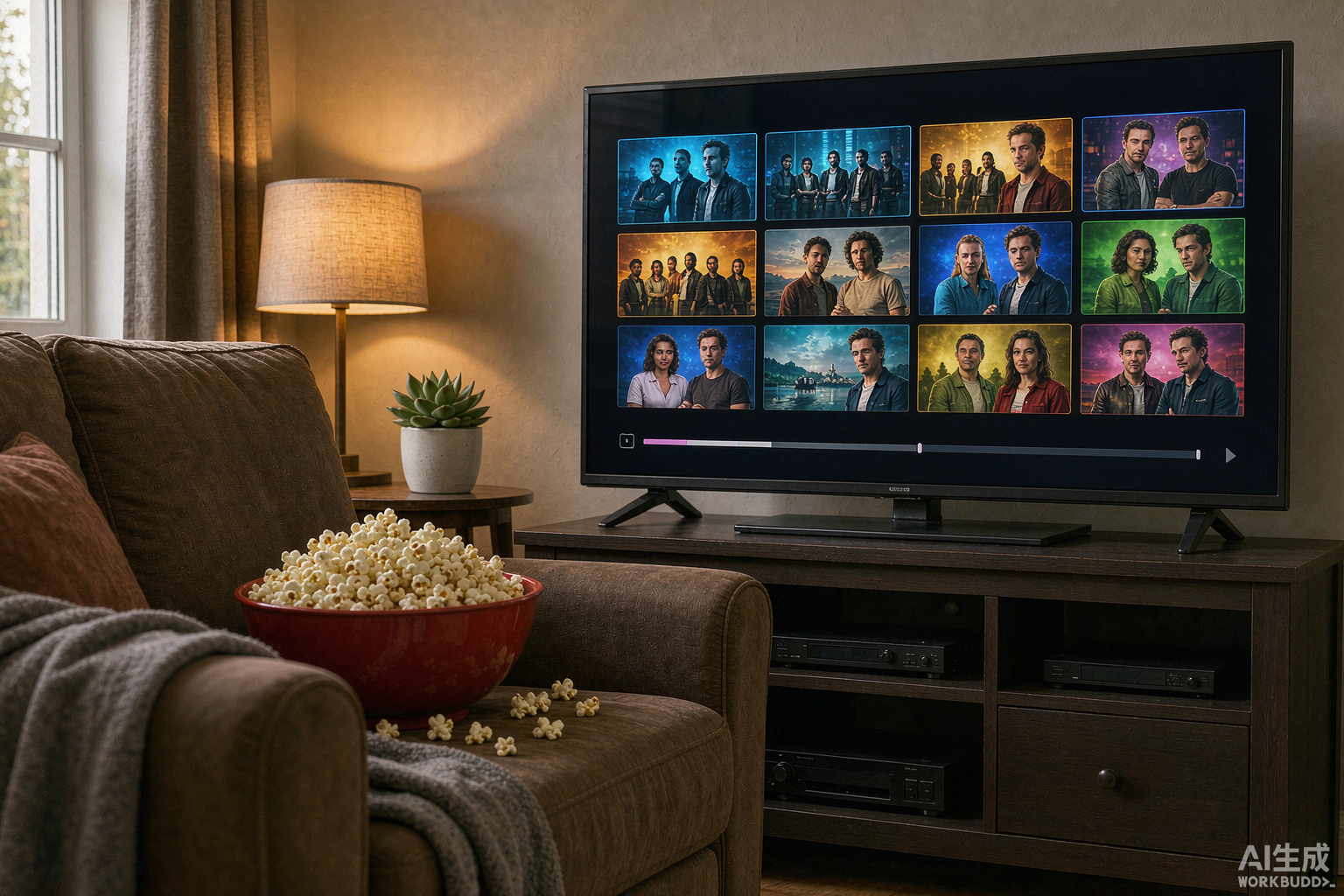
When people choose an IPTV subscription they think about live channels. But the hidden gem is the VOD library — thousands of movies and complete TV series available on demand, often including recent releases that streaming platforms lock behind rentals. Here is how to actually use it well.
What’s Inside a Typical IPTV VOD Library
- Recent movies — often still in or just out of cinema windows.
- Complete series — full seasons with episode lists, not single episodes.
- Multi-language content — the same title with different audio tracks and subtitles.
- Kids’ sections — age-sorted animation and family films (see our parental controls guide).
A good library runs 40,000–100,000+ titles and updates weekly.
Navigating Efficiently
- Use the search, not scrolling — libraries this size make scrolling useless. Type the title, or filter by year/genre.
- Check the info page before playing — it lists available audio tracks, subtitles, resolution and file size.
- Watch the resolution tag: titles tagged 4K need the bandwidth described in our speed guide; HD versions of the same film usually exist as a fallback.
- In TiviMate or XCIPTV, add titles to favourites to build a personal watchlist (the app comparison covers which app browses VOD best — XCIPTV wins for movie lovers).
Common VOD Problems and Fixes
- Title won’t load: VOD files are large; give the app 5–10 seconds to buffer before assuming it’s broken.
- Missing posters or broken artwork: refresh the VOD section in app settings, or wait — artwork databases sync periodically.
- Audio out of sync on movies but not live TV: switch the player engine in app settings (XCIPTV offers multiple).
- Wanted title absent: many providers take requests via their support channel — see our support access guide.
VOD Etiquette: Why Speed Matters
VOD streaming hits the provider’s servers differently from live TV — one 4K movie can pull 40 Mbps sustained. On a shared household line, schedule big movie nights around the kids’ live viewing, and prefer the HD version on busy evenings.
Testing VOD Before You Subscribe
During a free trial, don’t just check channels: search for three specific movies and one series, verify subtitles and audio options, and play a 4K title at peak evening. A provider who maintains a rich, working VOD library is a provider who maintains their servers — the trial-testing guide includes the full checklist.
Bottom Line
Your subscription is likely hiding a bigger film library than any single streaming service you pay for. Learn the search and filters once, and the VOD section becomes your weekend default.